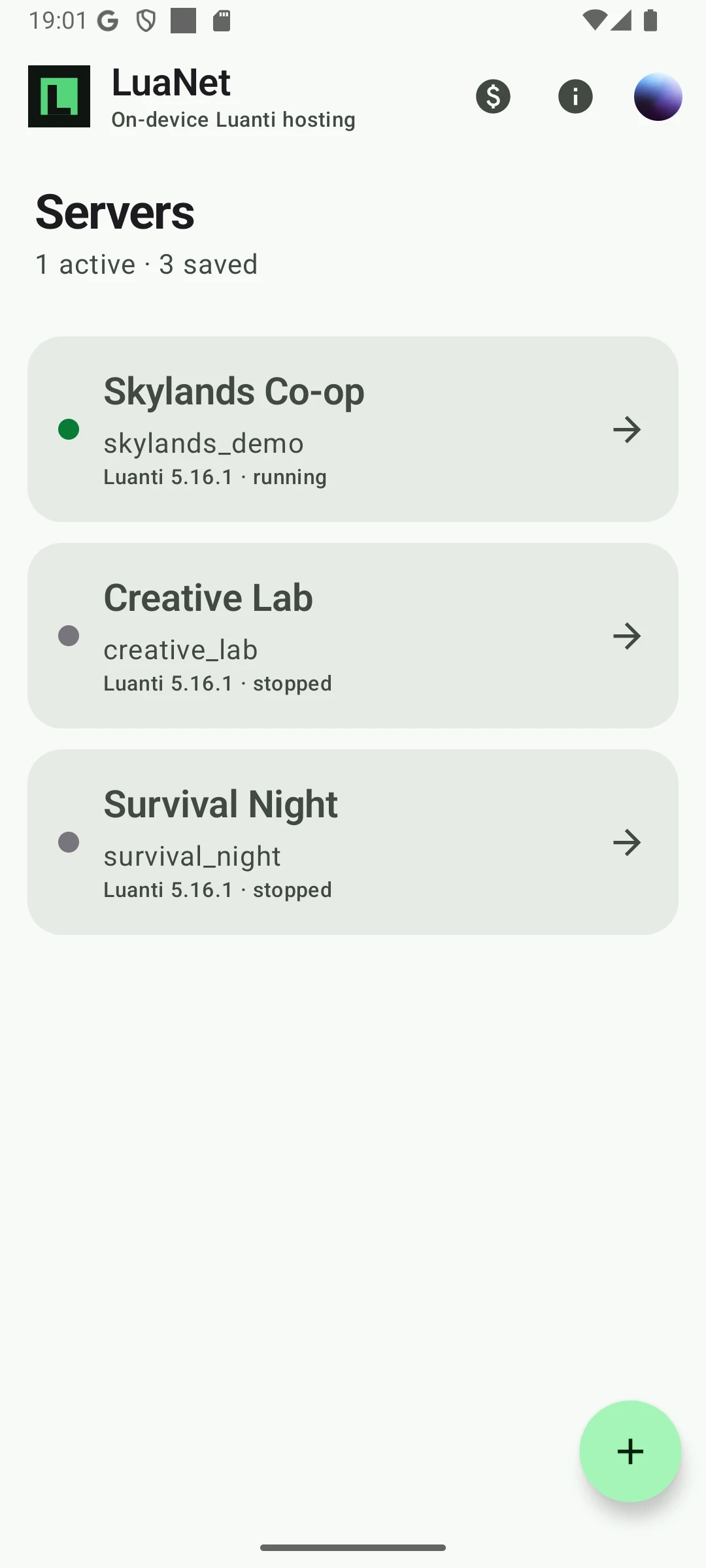
Servers
All your servers, together.
Choose a game, add the mods you want and start a real Luanti server from Android. Share a unique external address when friends want to join.
Host your worlds, add mods, manage players and keep backups, right from your phone.
Discover Luanti games and mods with ContentDB built into LuaNet. From a simple survival world to a server full of possibilities.
Explore ContentDB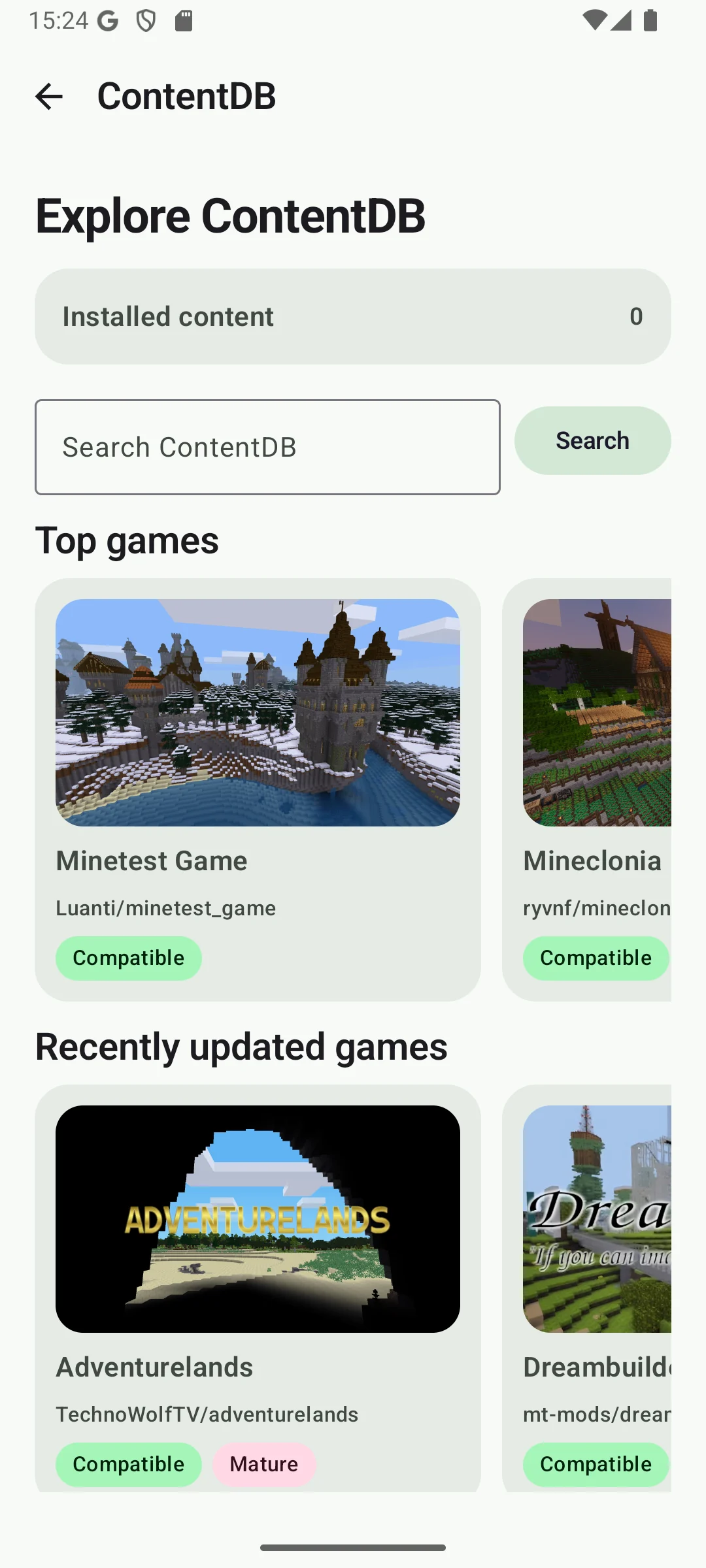
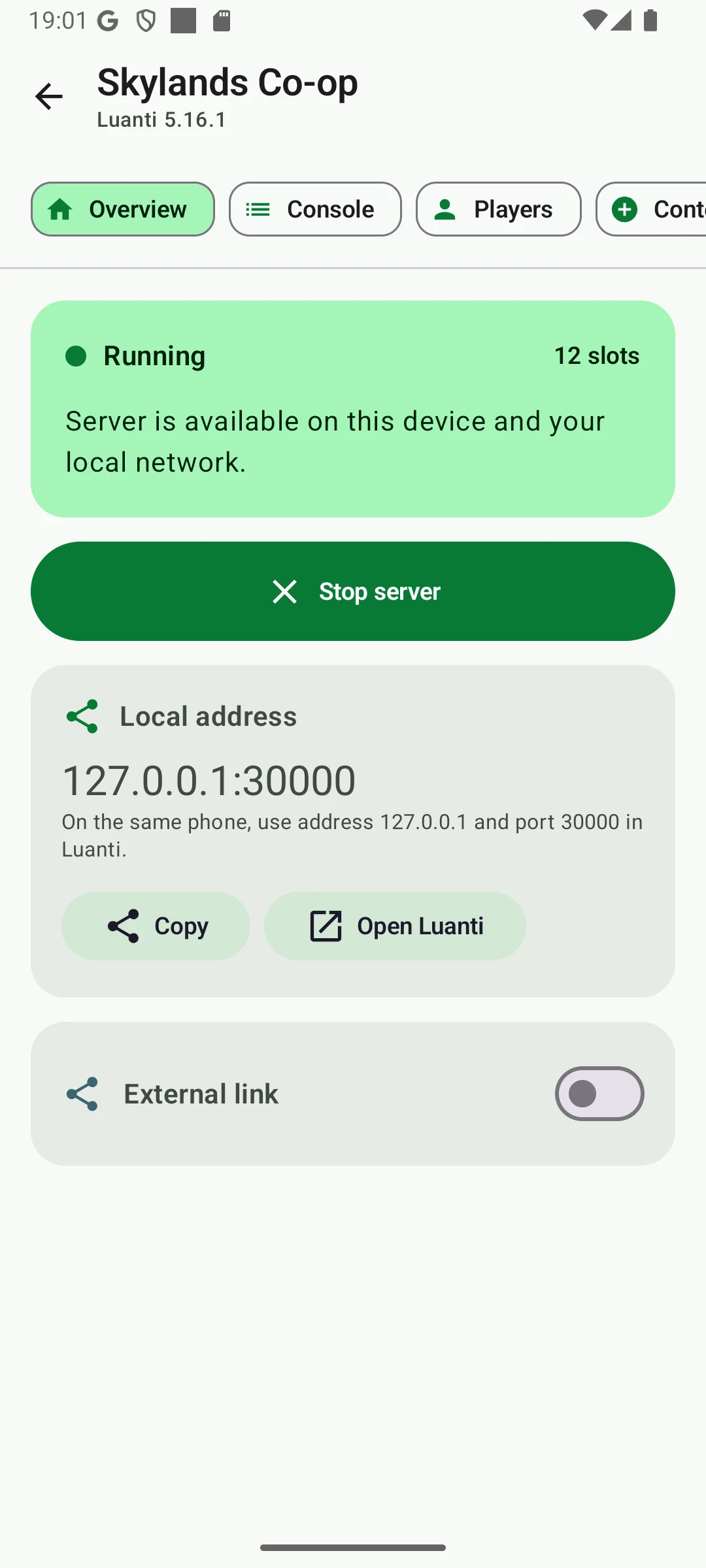
Give your Luanti server an address friends can join from outside your Wi-Fi. No router configuration needed.
About external linksA personal server address. A game you chose. The people you want to play with.
All your servers, together.
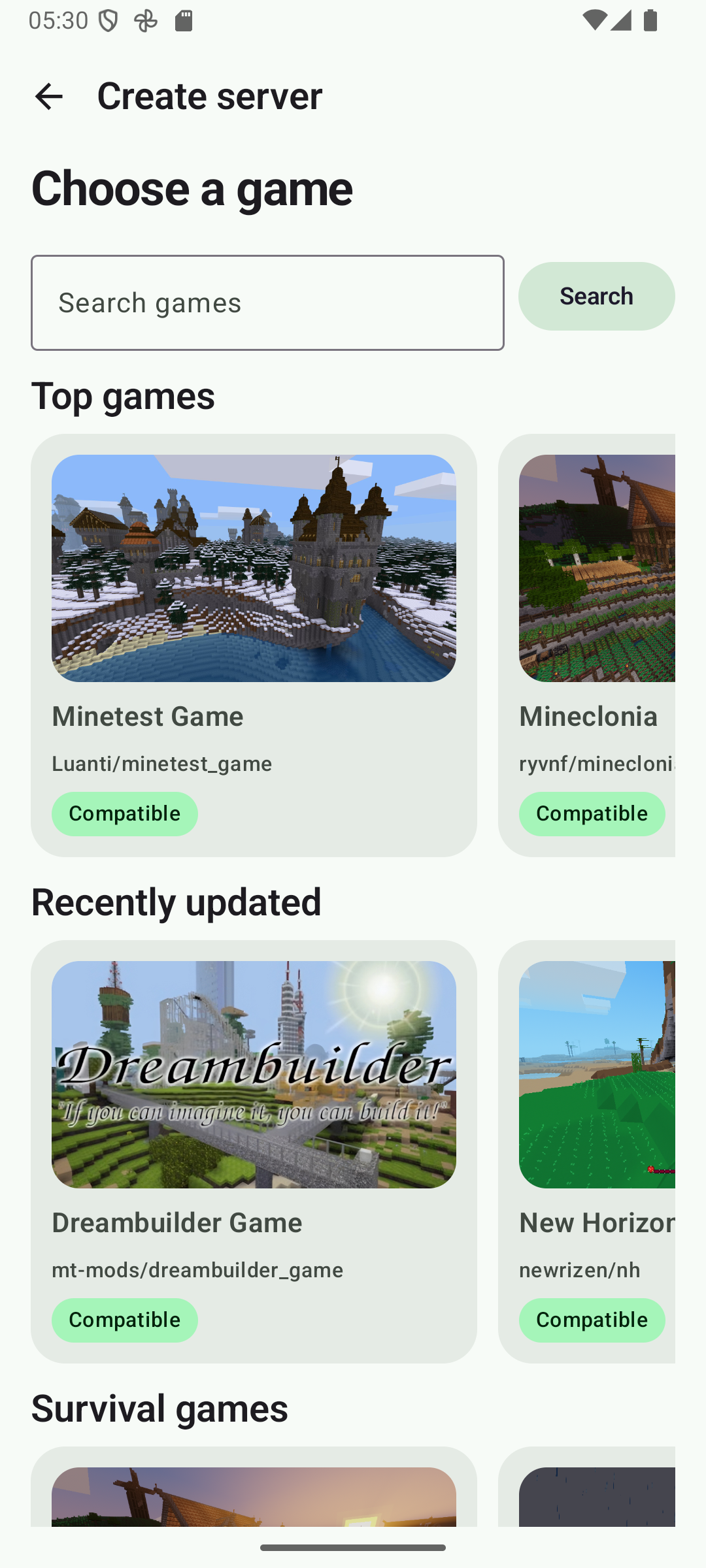
Find the game for your next world.
Discover new ways to play.
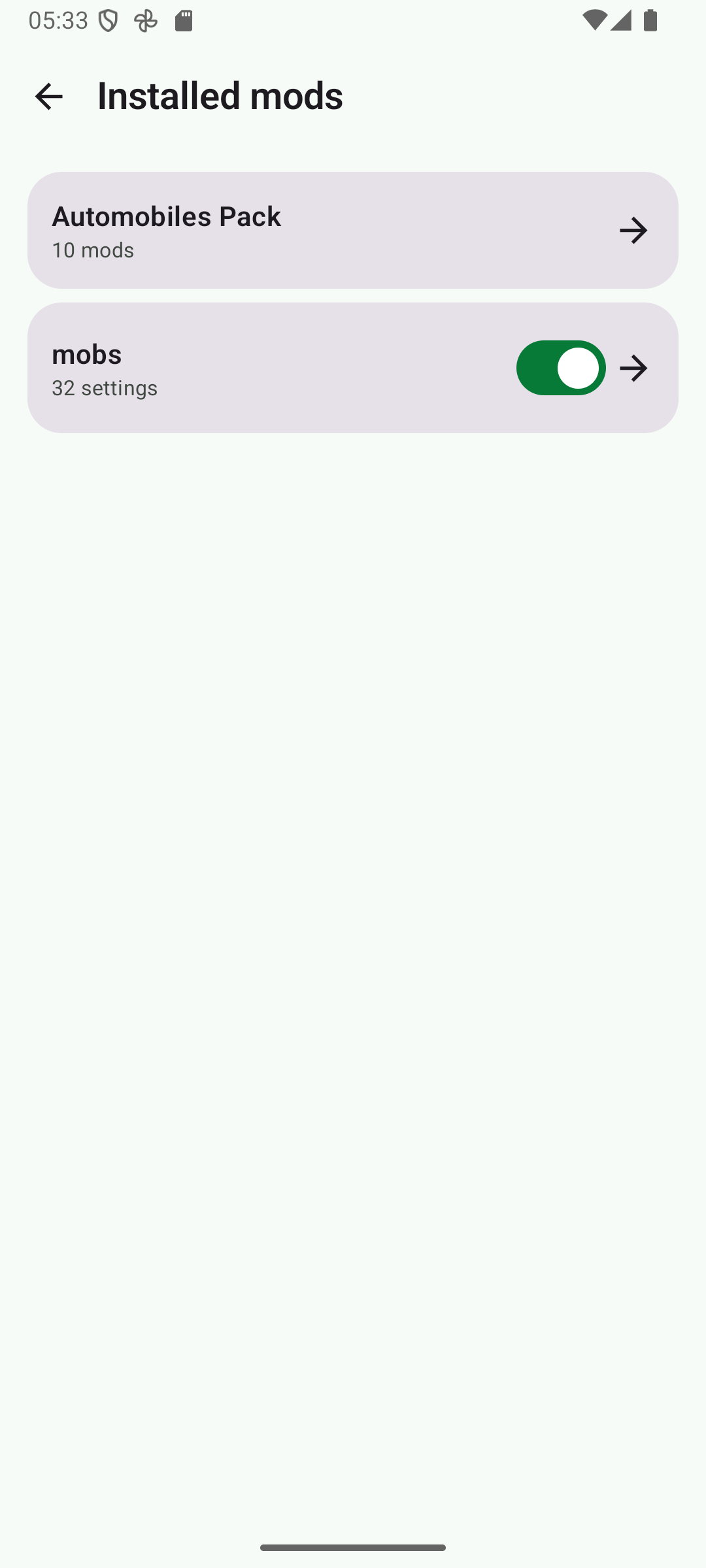
Your mods, configured your way.
Everything happening on your server.
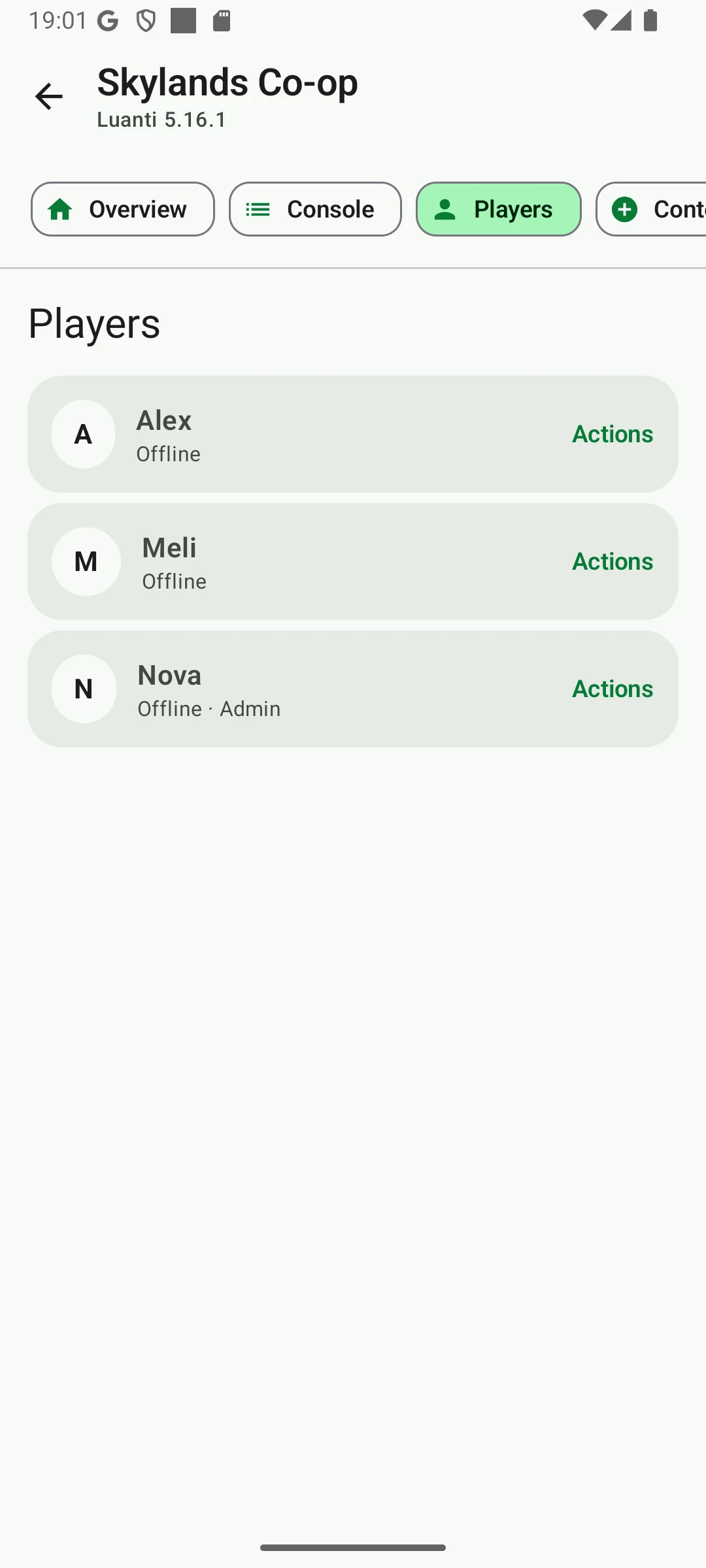
Manage your players and their privileges.